
Virtual Museum is now open!
We’re excited to announce the launch of our new Virtual Reality Airship Museum. Created by members Alastair Lawson and Stephan Niemeyer along with the artistic talent of Marshall Young, this online museum and gallery is now open to the public.

The Virtual Airship Museum
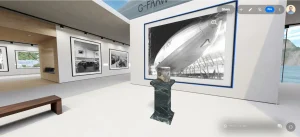
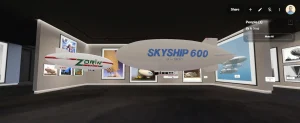
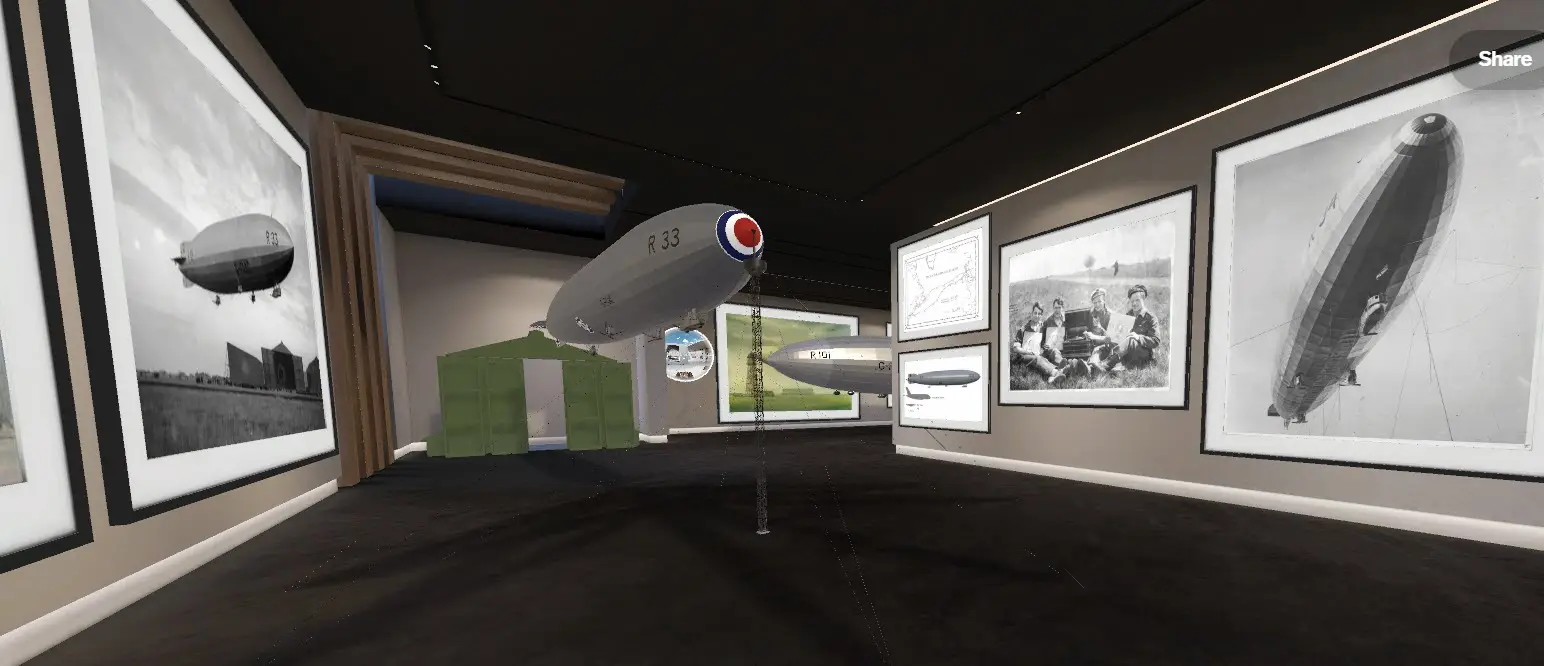
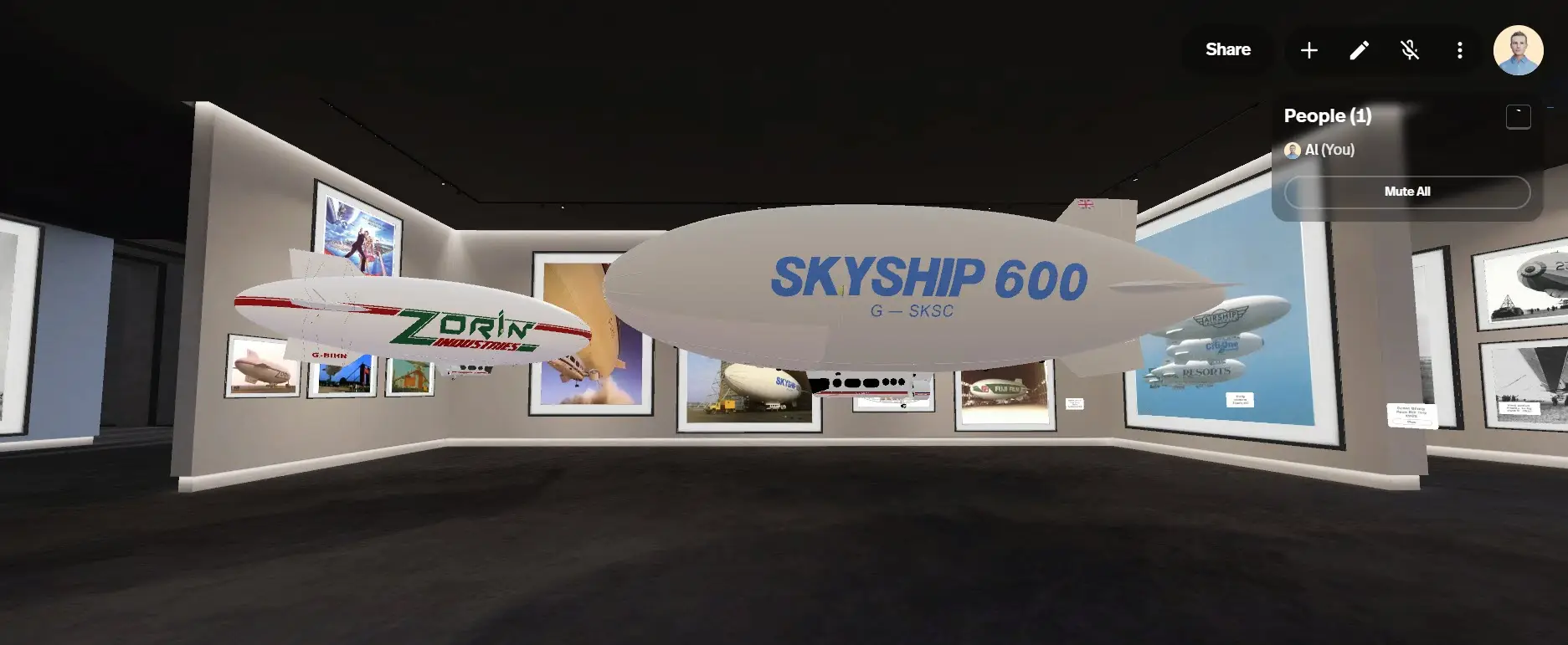
Step into a fully immersive VR experience that takes you back to the golden age of airships. You can explore legendary dirigibles in breath-taking detail, walking through their cabins, witnessing their historic flights, and uncovering the triumphs and tragedies that shaped their legacies. A panoramic timeline showcases the development of rigid, airships from the early 20th-century L1 and Mayfly to the war years and further to the rigid airships on the 1920’s and 30’s.
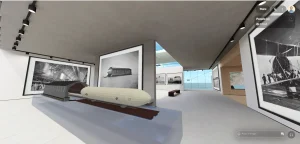
The museum also contains Interactive 3D models of major airships like the Graf Zeppelin, Hindenburg and British R 100 and R101.
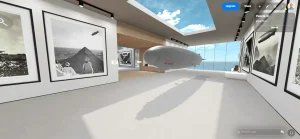
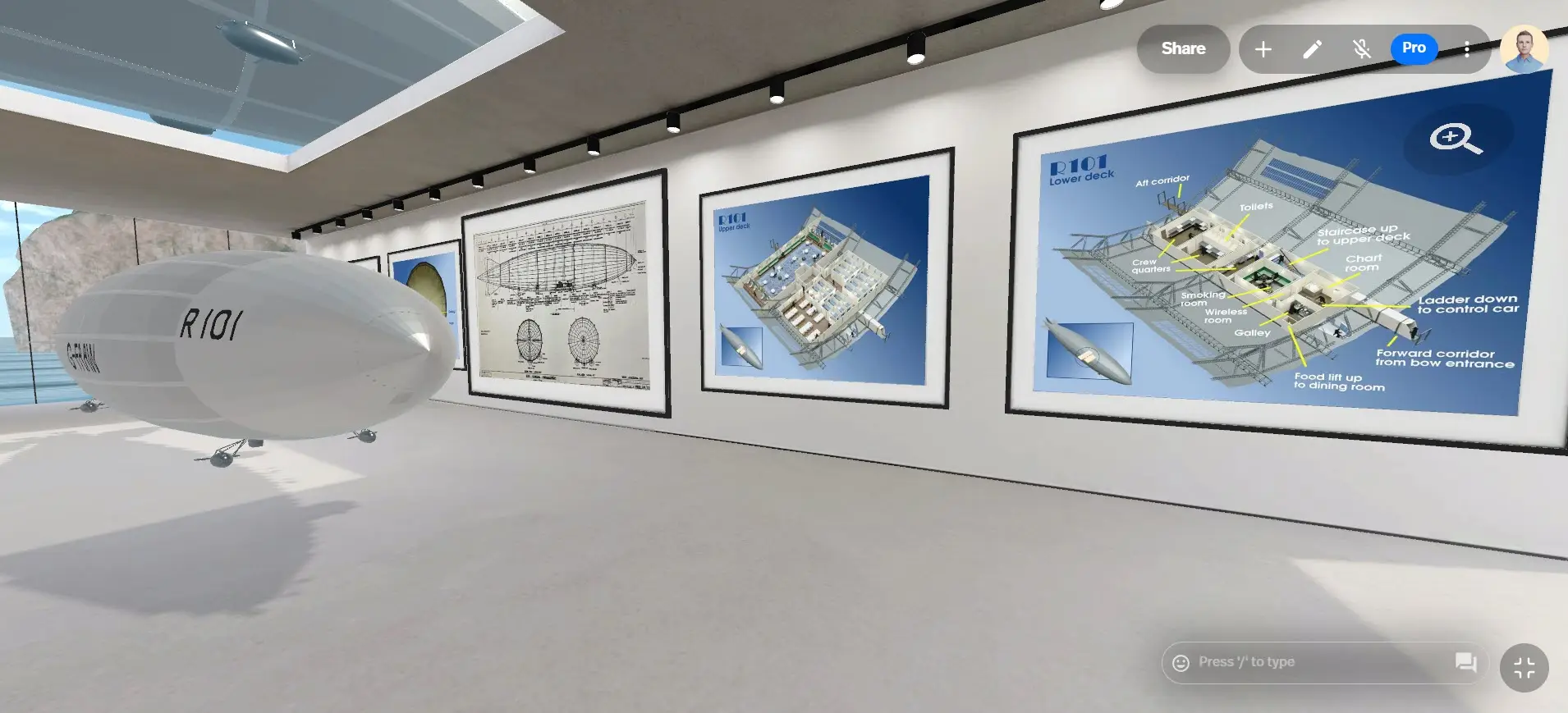
Walk around a fully reconstructed VR replica of both the R100 and R101, Britain’s largest airship.
You can even get up close to the LZ129 Hindenburg, the largest airship ever built, and explore its luxurious interiors.
You’ll also find 3D-scanned artefacts, along with detailed blueprints and historical photographs, bringing airship history to life like never before.
We’ll be organising virtual guided tours of the museum space and adding more galleries and objects into the museum the next few months, more details to follow.












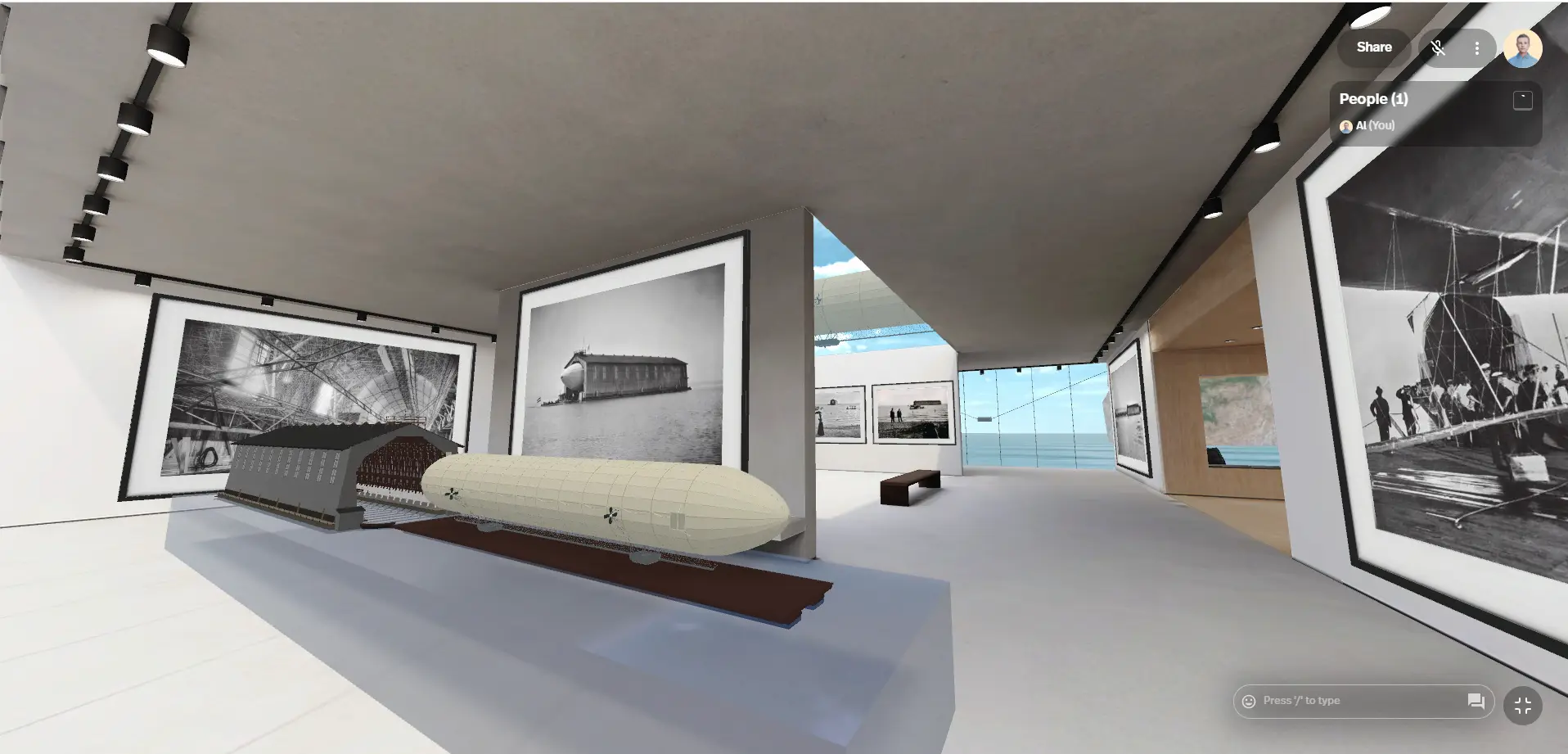


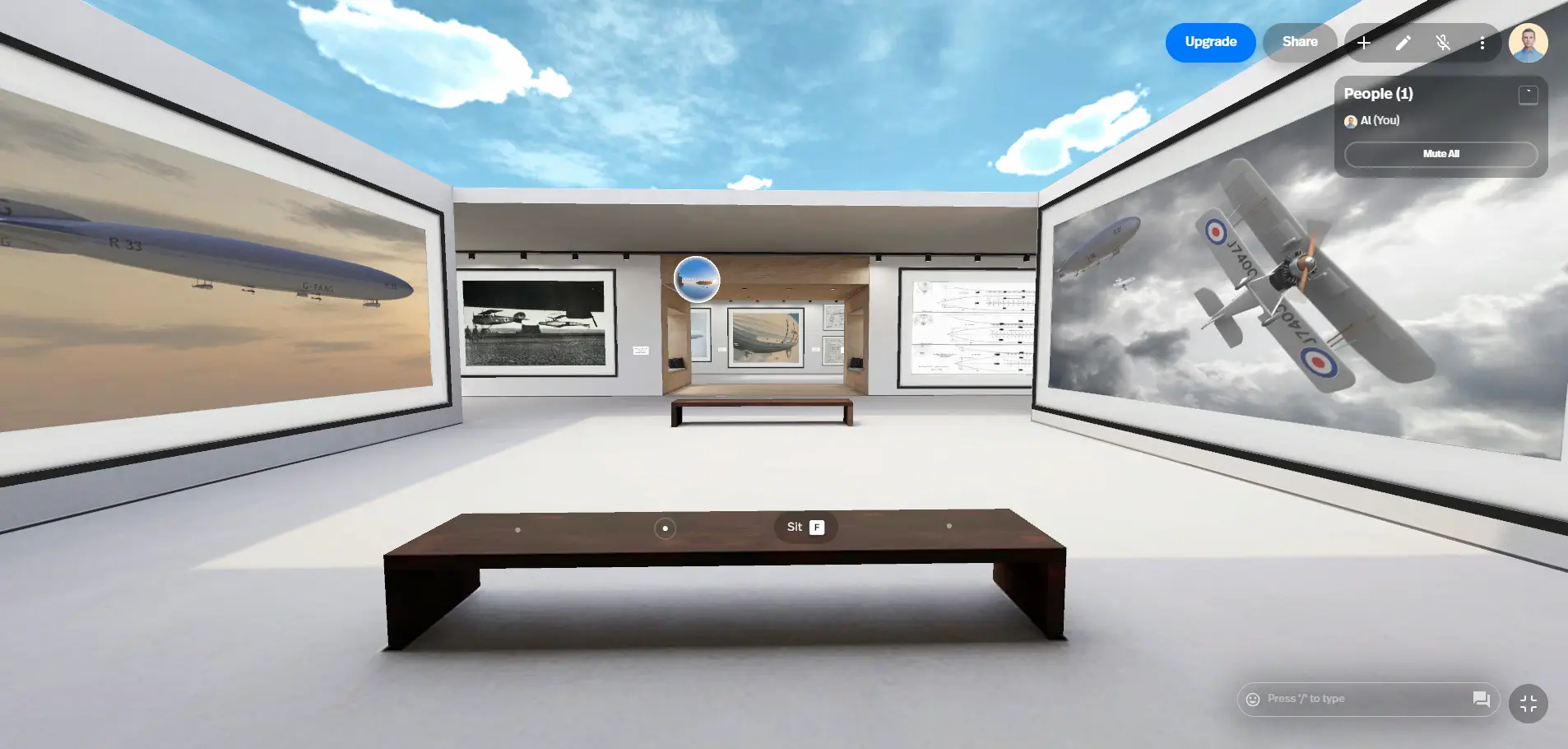
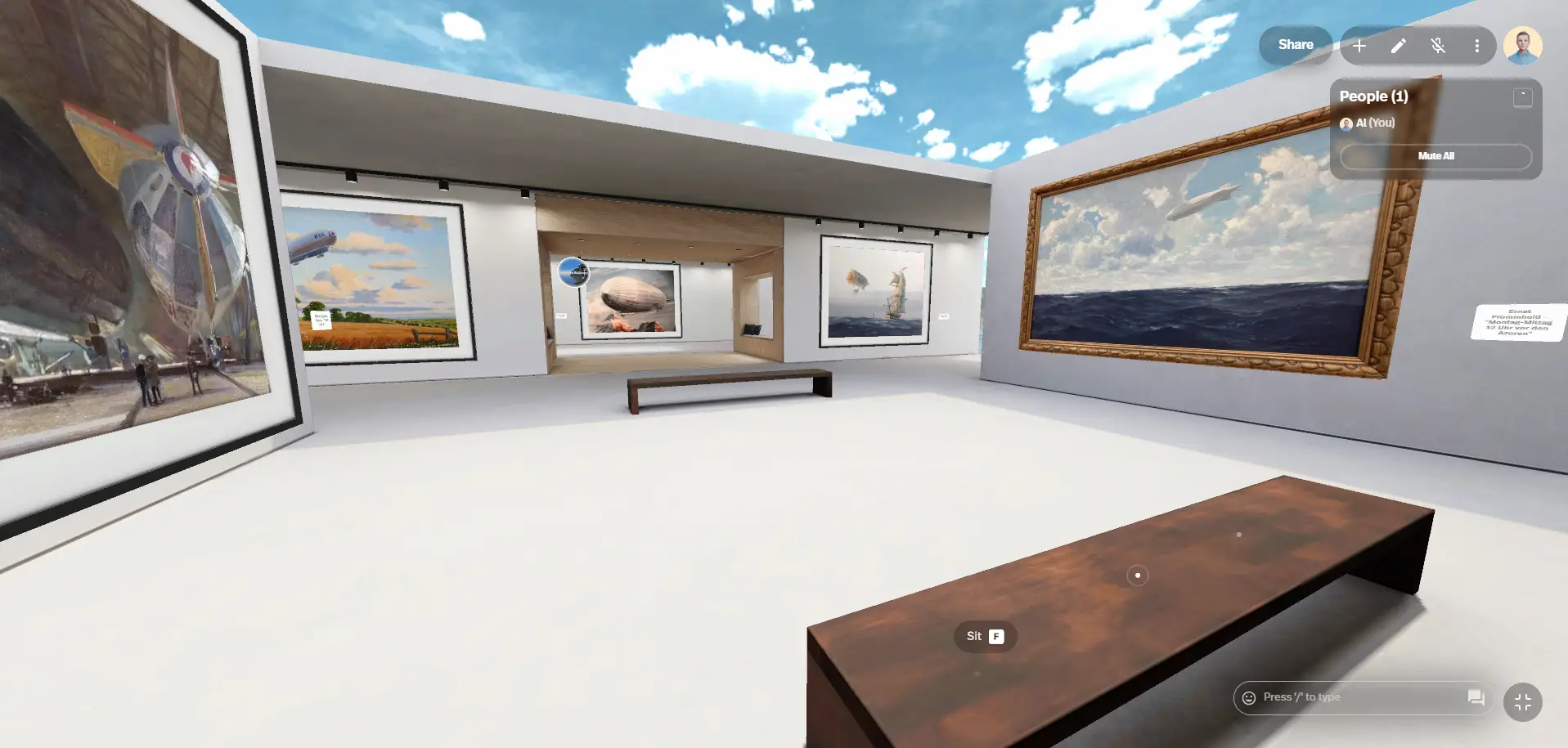
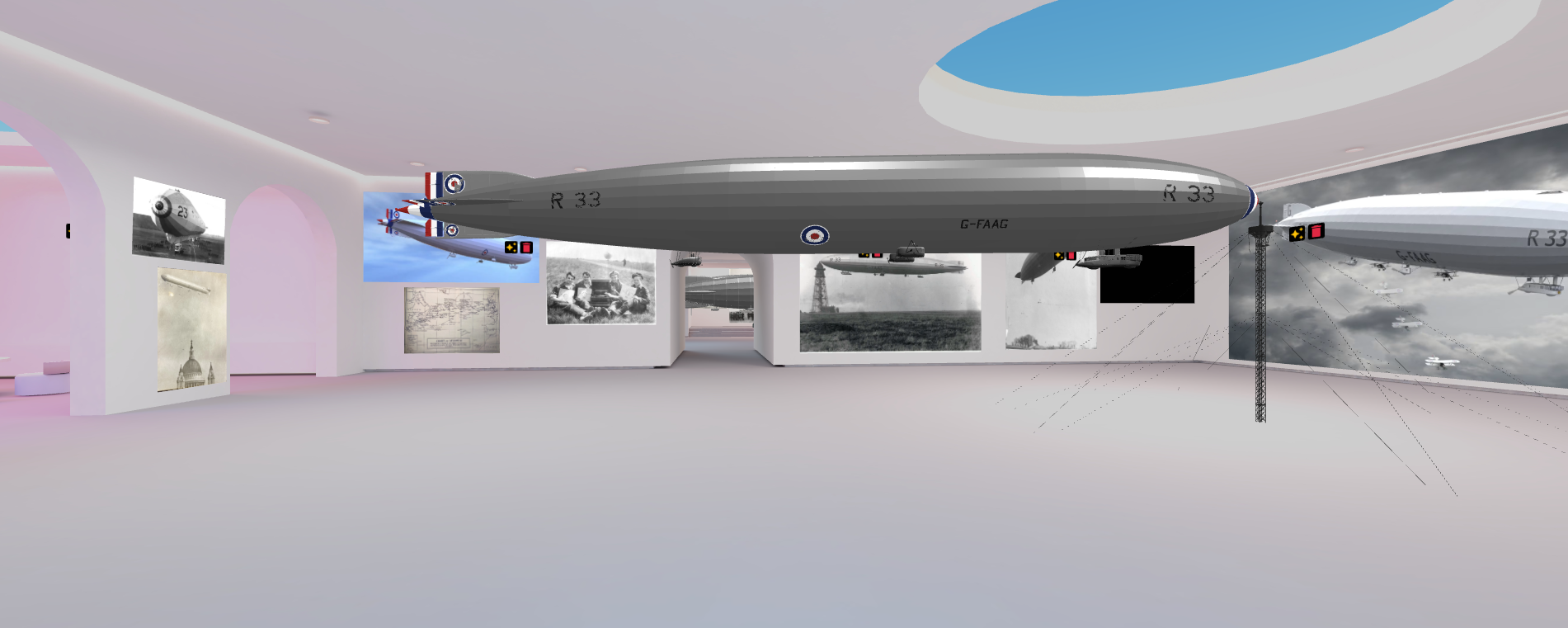




Accessing the Virtual Airship Museum
The museum is hosted on VR platform https://framevr.io/airship-museum
An account will need to be setup by all users wishing to access. Search for “The Airship Museum” or click on this link
Creating an Account:
- Go to the Frame.io website: Navigate to https://framevr.io/airship-museum.
- Set your username: After logging in, you’ll be prompted to choose a username for display.
The museum can be viewed using a VR headset but also viewed on a desktop computer/laptop or even a tablet or mobile phone.
To use Spatial.io with a headset, you’ll need a Meta Quest VR headset (like the Quest 2). You can also access Frame.io through a web browser, mobile device, or AR headsets like HoloLens and Nreal.
Here’s a more detailed breakdown:
VR Headsets:
Frame.io is primarily designed for VR experiences, and the Meta Quest series is the recommended headset for a full immersive experience.
Other Platforms:
Web Browser: You can access Frame.io through a web browser on a computer, which offers a less immersive experience than VR.
Mobile Devices: You can also use the Frame app on iOS and Android devices, with AR capabilities.
AR Headsets: Frame.io supports augmented reality headsets like Microsoft HoloLens and Nreal, allowing for a more hands-free and immersive experience while still seeing your surroundings.